

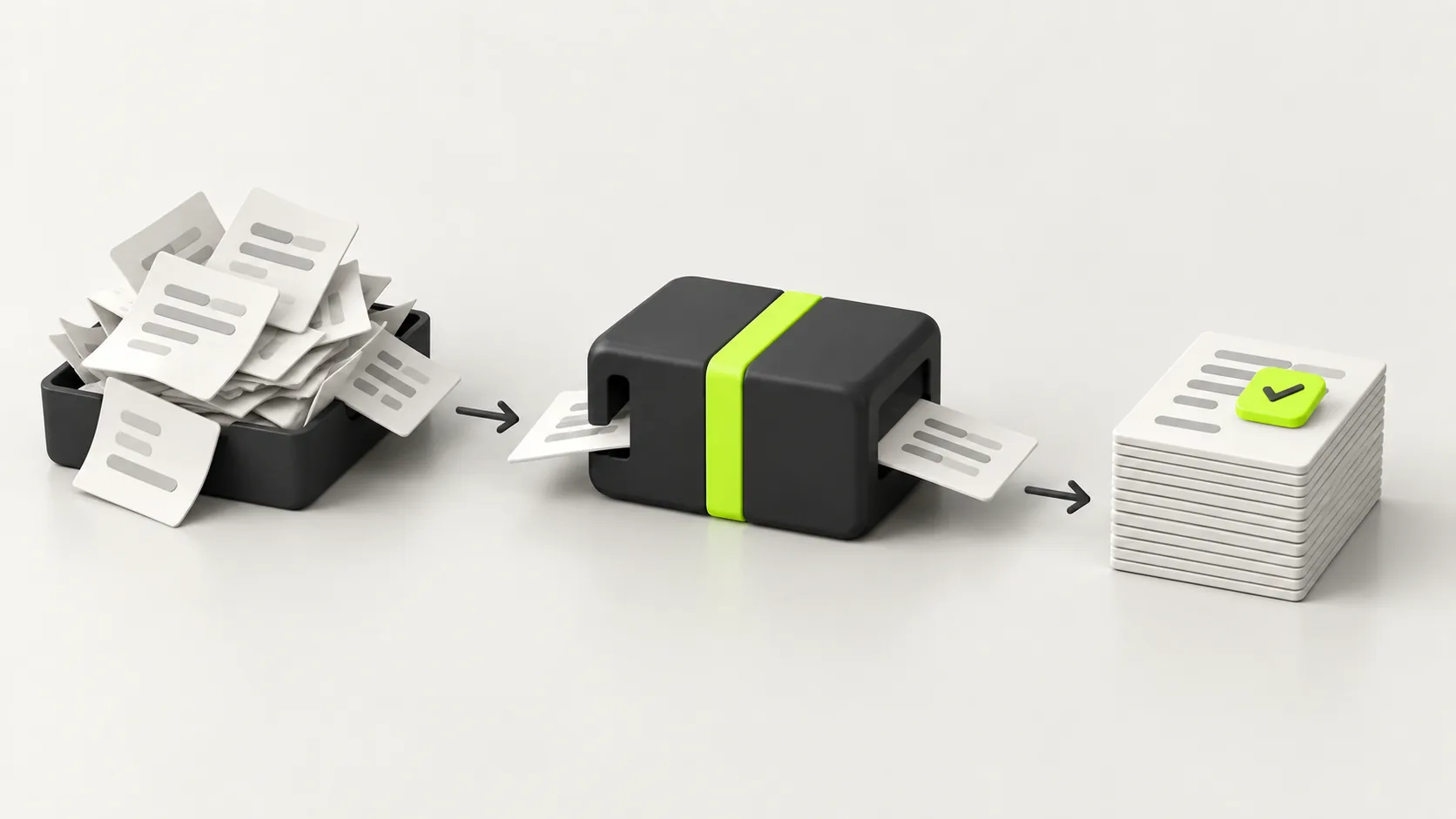
Most businesses automate the wrong thing first, pay for a tool nobody uses, and conclude automation does not work. This guide is the order we actually use: find the hours, prove one workflow, then scale.
Almost every business that tells me automation did not work for them made the same mistake. They started with the most interesting idea rather than the most expensive hour. This is the order we actually use when we automate a business, whether it is a two person shop or a company with four systems that refuse to speak to each other.
What is business automation?
Business automation is using software to carry out work that a person would otherwise do by hand, without needing them to start it, watch it or finish it. The work still happens. Nobody has to sit and do it.
That is the whole idea. A form is filled in and a record appears in your CRM. An invoice arrives and the numbers land in your accounts. A customer asks a common question at eleven at night and gets a correct answer straight away. None of that requires a person to be at a desk.
The important word is repetitive. Automation is good at work that follows rules and happens often. It is poor at work that needs judgement, negotiation or a relationship. Knowing which side a task falls on is most of the skill.
Business process automation, workflow automation, RPA and AI agents: what the words actually mean
These four terms get used as if they are the same thing. They are not, and the difference decides what you should buy.
| Term | What it actually means | Typical example |
|---|---|---|
| Workflow automation | Connecting steps across apps so one event triggers the next. The most common starting point. | A new form submission creates a CRM record, notifies sales and sends a confirmation email. |
| Business process automation (BPA) | Automating a whole end to end process rather than a single hand off, usually across departments. | Order to cash, from the customer's purchase through invoicing, fulfilment and reconciliation. |
| Robotic process automation (RPA) | Software that mimics a person clicking through an interface, used when a system has no API to connect to. | A bot logging into an old supplier portal to download a report every morning. |
| AI agents | Systems that use a language model to decide what to do next, rather than following a fixed path. | Reading an inbound email, working out what it is about, and drafting the right reply from your documents. |
Most businesses need the first one and think they need the fourth. Workflow automation is unglamorous, cheap and where nearly all of the early return lives. AI agents are genuinely useful, but they belong on work that is too varied for fixed rules, and they need the plumbing underneath them to already exist.
How to decide what to automate first
This is the step everyone skips, and skipping it is why automation projects stall. Before choosing a tool, score your candidate tasks against four questions.
- How often does it happen? Something that runs fifty times a week is worth far more than something clever that runs twice a month.
- How rule based is it? If you can write down the decision as a set of if-then statements, it can be automated reliably. If it depends on reading a room, it cannot.
- How expensive is a mistake? Start where being wrong is cheap and quickly caught. Save the high stakes work for later, when you trust the system.
- How much time does it actually take? Not the time you assume. Time it for a week. Owners routinely underestimate admin by half.
The best first automation scores high on the first two, low on the third, and high on the fourth. It is almost never the idea you were most excited about, and that is the point.
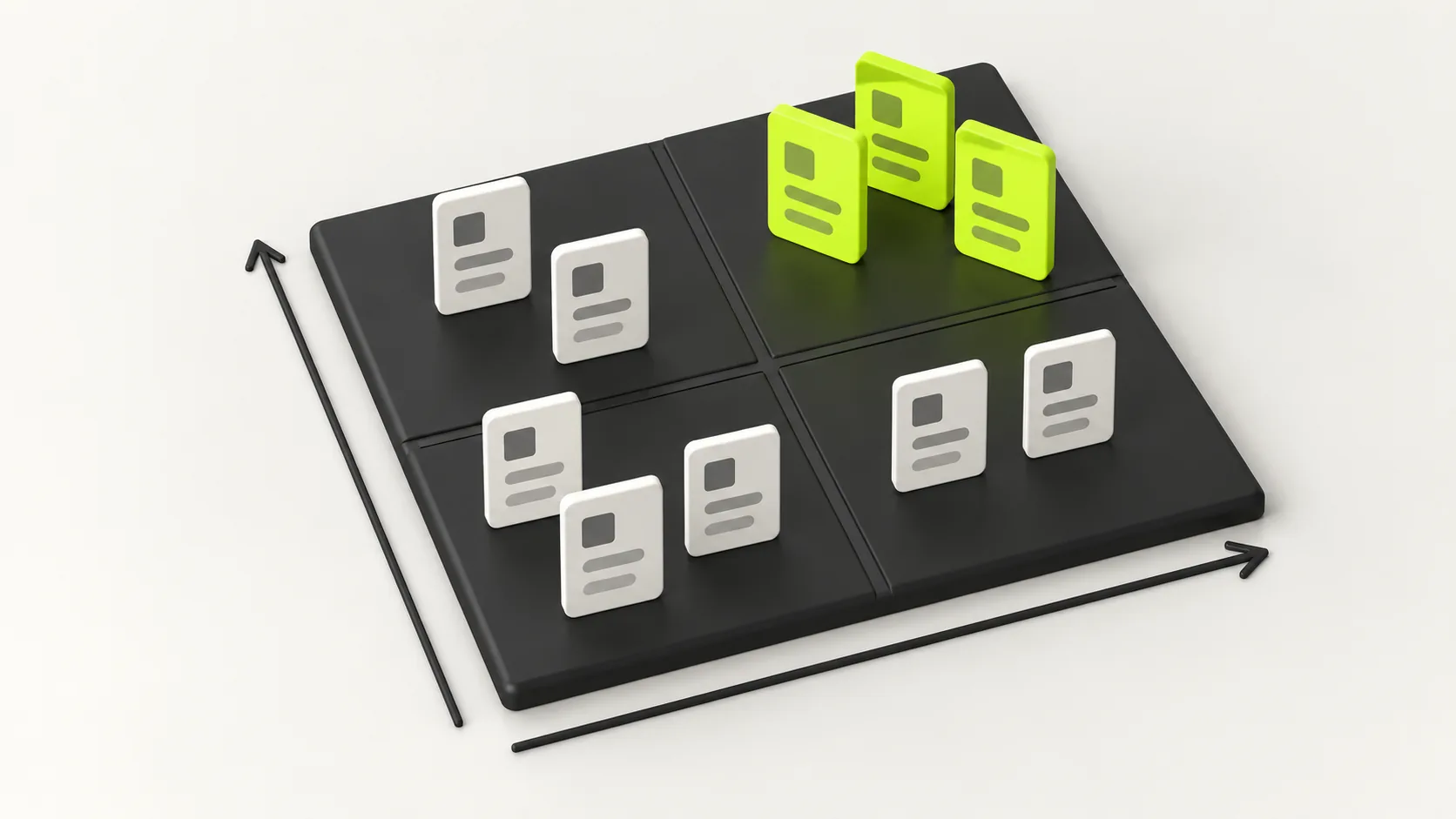
What most businesses automate first, by department
After doing this across a lot of businesses, the same handful of processes come up again and again. If you are looking for a starting point, it is almost certainly on this list.
| Area | What gets automated | Hours it typically returns |
|---|---|---|
| Sales | Lead capture, qualification, routing to the right person, follow up sequences, CRM data entry | Several hours a week, plus leads that stop going cold |
| Finance | Invoice creation and chasing, expense capture, receipt matching, payment reminders | A full day a month for most small businesses |
| Customer service | Answering common questions, triaging and tagging tickets, order status updates | The largest single win for anyone with an inbox |
| Operations | Data entry between systems, report generation, stock alerts, scheduling and dispatch | Depends entirely on how many systems you run |
| Marketing | Email sequences, social scheduling, review requests, campaign reporting | Modest hours, but far more consistency |
| HR and admin | Onboarding checklists, document collection, holiday requests, contract generation | Small but hated, which makes it worth doing |
Notice what is not on that list. Nothing here involves persuading anyone, pricing an unusual job, or handling a complaint that has gone wrong. That work stays with people, and automating the surrounding admin is what gives them time to do it properly.
Small business versus large business: what actually changes
The tools overlap almost completely. The problem being solved does not.
A small business automates to buy back the owner's time. There is usually one person doing sales, admin and delivery, and the constraint is hours in the day. The right first project is whatever eats the most of their evening. The systems involved are usually a handful of well known SaaS tools with decent integrations, so a connector platform gets you a long way.
A large business automates to close the gaps between systems it already has. Nobody is short of software. The problem is that the CRM does not talk to the ERP, so somebody exports a spreadsheet every Tuesday and pastes it somewhere else. The work is less about buying a tool and more about integration, permissions, audit trails and change management. It also has to survive a security review, which a small business project never does.
The practical difference: a small business can be live in a fortnight and should be. A large business should expect discovery, a pilot in one department, and a rollout, because the risk of quietly breaking something that finance depends on is real.
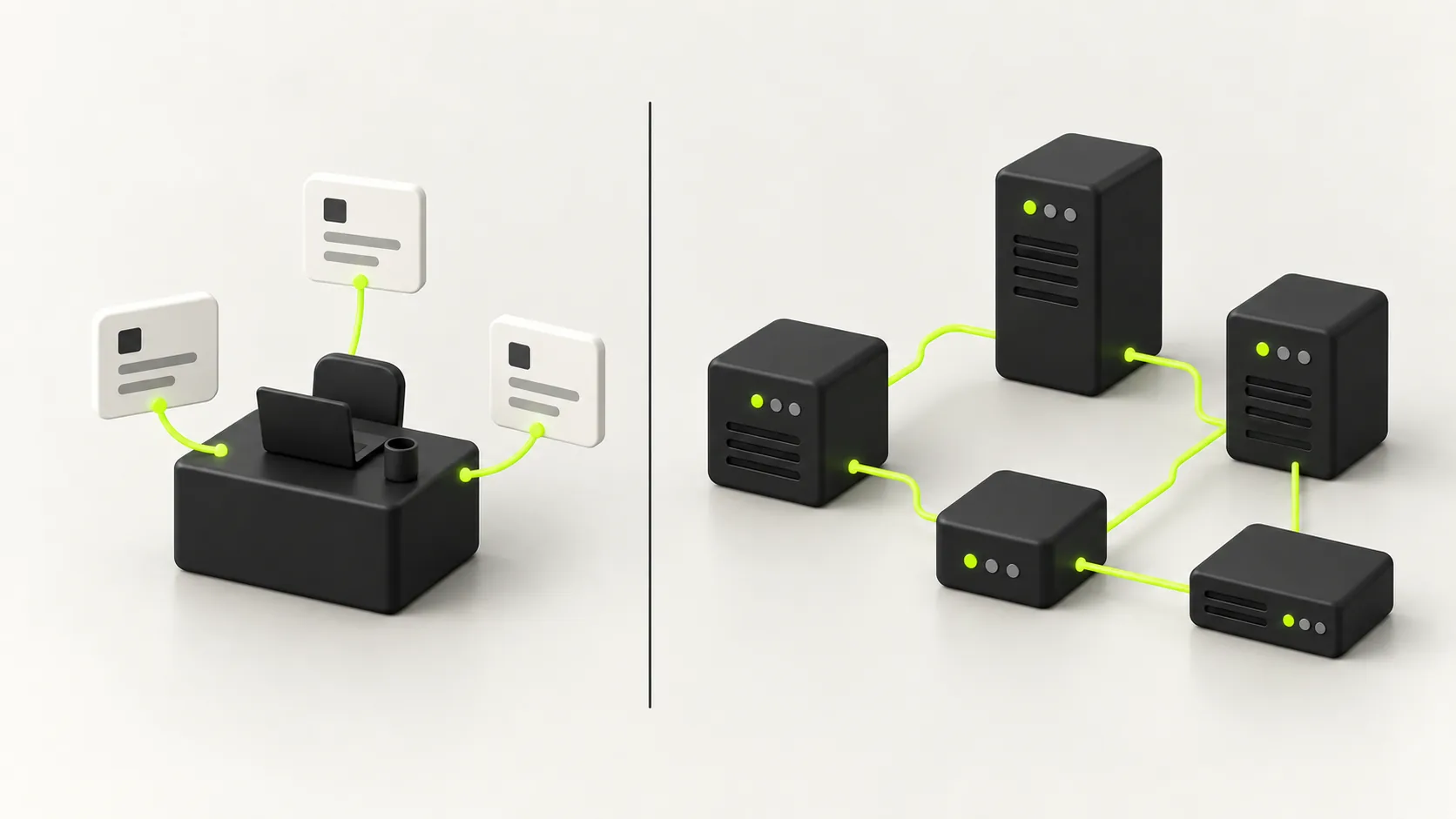
The tools, and what they are actually good at
Tool choice matters less than people think, and matters most when you get it wrong in a specific way: choosing something that cannot reach a system you depend on.
- Connector platforms such as Zapier and Make are the fastest way to link well known SaaS tools. Excellent for the first automations. Costs climb with volume, because you are usually billed per task or operation.
- Self hosted tools such as n8n do the same job with far cheaper running costs at volume, in exchange for you hosting and maintaining them. Sensible once your task count is high enough that per-task pricing hurts.
- Low code platforms sit inside a suite, such as Power Automate for Microsoft shops. Strong when your business already lives in that ecosystem, awkward when it does not.
- Custom code is the right answer when the logic is genuinely yours, the volume is high, or the process touches data you cannot hand to a third party. More expensive up front, no per-task bill, no ceiling.
- AI layers, meaning retrieval over your own documents and agents that decide what to do, sit on top of any of the above. They are not a replacement for the plumbing. They are what you add once the plumbing works.
One warning worth more than the rest. Before committing to a platform, check it can actually connect to the least modern system you own. The old accounting package or the industry-specific tool with no API is what decides your architecture, not the shiny CRM everyone integrates with.
What business automation costs
Nobody publishes real numbers, so here are honest ranges. They vary by market, but the shape holds.
| Setup | Typical cost | What you get |
|---|---|---|
| DIY with a connector platform | Roughly $20 to $100 a month | A handful of automations you build and maintain yourself. Fine for simple, low volume links between mainstream tools. |
| Small business, done for you | A one-off project fee, plus tool subscriptions | A few workflows built properly, documented and handed over, with the tools chosen around what you already run. |
| Custom build or AI layer | A project cost that scales with scope | Automation over your own data and systems, with evaluation and guardrails. Priced by how much of it is genuinely new. |
| Enterprise programme | Ongoing, usually a retainer | Integration work, security review, phased rollout and support across departments. |
The number that actually matters is not any of these. It is what an hour of your team's time is worth, multiplied by the hours the automation removes, which is the next section.
How to work out the ROI before you spend anything
You can do this on paper in ten minutes, and it will stop you buying things you do not need.
- Count how many times the task runs in a month. Actually count, do not estimate.
- Time how long one run takes, end to end, including the interruption it causes.
- Multiply the two, then multiply by the loaded hourly cost of whoever does it.
- Subtract the monthly cost of the tool, plus a realistic share of the build cost spread over a year.
- If what is left is not clearly positive within twelve months, automate something else first.
A worked example. A task that runs 60 times a month and takes 8 minutes is 8 hours a month. At a loaded cost of $30 an hour that is $240 a month, or $2,880 a year, against maybe $50 a month in tooling. That clears easily. The same maths on a task that runs four times a month will not, however annoying that task is.
There is a second return that does not appear in the arithmetic and is often bigger: work that stops being forgotten. Leads followed up every time. Invoices chased on day thirty rather than whenever someone remembers. Consistency is worth real money and it is the part owners notice first.
How to implement it without breaking your operation
The sequence matters more than the tooling. This is the order we use.
- Write down the process as it happens today, including the exceptions. If you cannot write it down, it is not ready to automate.
- Pick exactly one process. Not three. The point of the first project is to prove the pattern and build trust.
- Build it so a human can see what it did. Log every run somewhere a person can read, from day one.
- Run it alongside the manual process for a week or two. Compare the outputs. This is the step people skip and then regret.
- Put a human approval step on anything consequential: money leaving, contracts, anything a customer sees that cannot be taken back.
- Only then move to the next process, reusing what you built.
Plan for the exceptions before you launch, not after. Every real process has them, and an automation that handles the normal case perfectly but dumps the unusual one silently is worse than no automation, because nobody notices until a customer does.
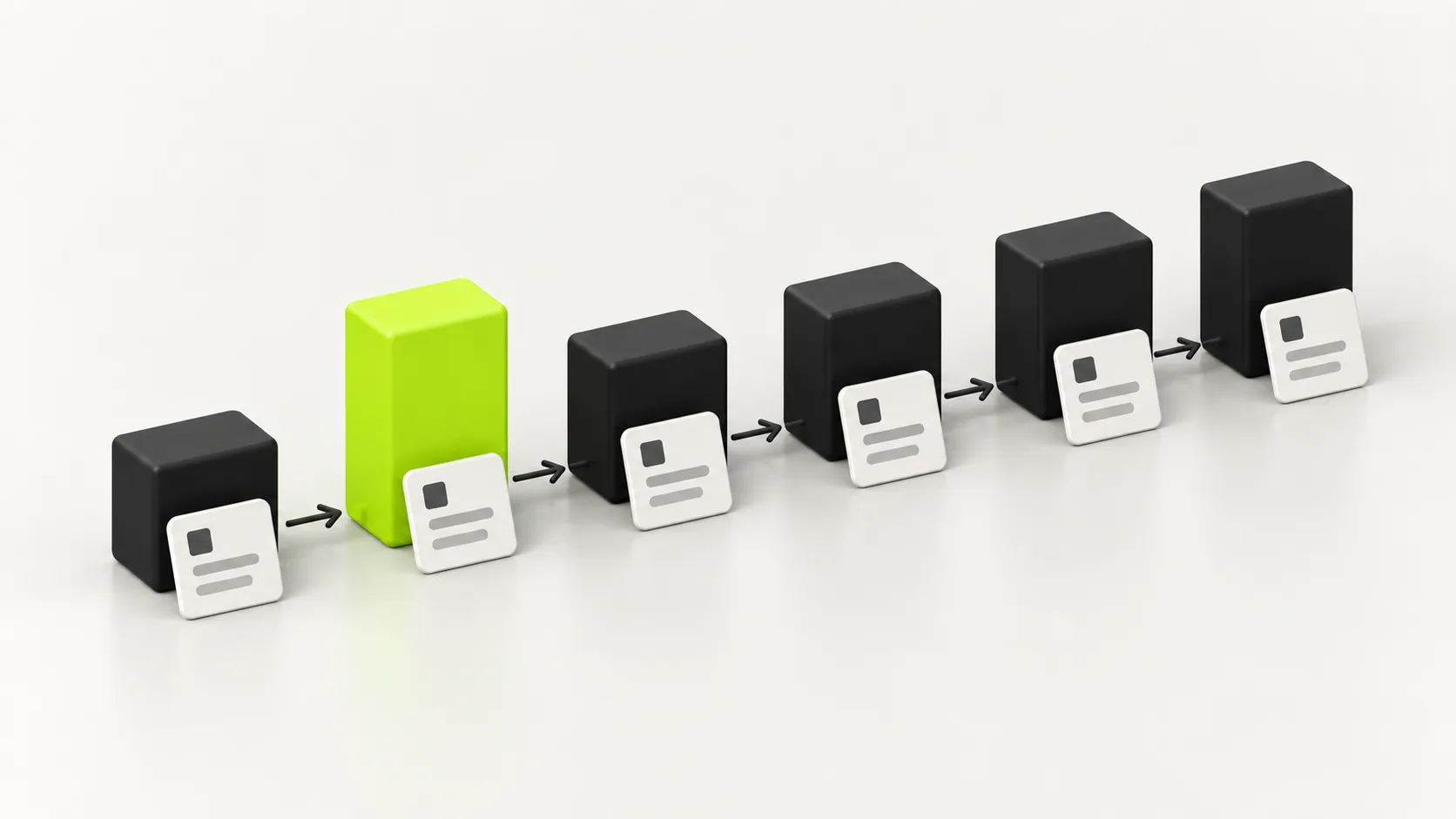
When you should not automate
This section will save you more money than the rest of the guide.
- The process is about to change. Automating something that will be redesigned next quarter is throwing money away.
- It happens rarely. A quarterly task that takes an hour is not worth a week of build.
- It genuinely needs judgement. Pricing an unusual job, handling an unhappy customer, deciding who to hire.
- The process is broken. Automation makes a bad process run faster and fail more often. Fix it first, then automate the fixed version.
- Nobody owns it. If no one is responsible for the automation when it misbehaves, it will misbehave unnoticed.
“Automating a process you have not documented does not save you time. It hides the problem and speeds it up.”
Kavion Solutions Team
The mistakes that waste the budget
Five failures account for almost every automation project that quietly gets switched off.
- Starting with the most exciting idea rather than the most expensive hour.
- Automating six things at once, ending up with six systems nobody quite trusts.
- No logging, so when something goes wrong there is no way to find out what happened.
- No owner, so a broken automation runs wrong for a month before anyone notices.
- Buying an AI layer before the basic plumbing exists, which produces impressive demos and no saved hours.
Do you need a business automation consultant?
Often, no. If you run mainstream tools and want a few links between them, a connector platform and an afternoon will get you a long way, and you will understand your own systems better for having done it.
It is worth bringing someone in when the work touches your own data, when a system you depend on has no easy integration, when a mistake is expensive, or when you have already tried and it did not stick. The value is rarely the building. It is knowing which process to pick, and designing the thing so it survives contact with the exceptions.
Ask any prospective partner one question before anything else: which single process would you automate first here, and why that one? If the answer is a tool name rather than a process, keep looking.
Where to start this week
Pick the task you most resent doing. Time it honestly for one week. Count how often it runs. If it is frequent, rule based and cheap to get wrong, that is your first automation, and you now have the numbers to justify it.
Build that one thing. Make it visible. Run it beside the manual process until you trust it. Then, and only then, do the next one. Businesses that automate this way still have their automations running two years later. Businesses that buy a platform and try to automate everything at once usually do not.
If you would rather have that built properly, with the evaluation, guardrails and logging that keep it trustworthy, that is the work we do at Kavion Solutions. We start with one workflow, prove it, and hand it over documented.
FAQ
Frequently asked questions
Using software to do work a person would otherwise do by hand, without needing them to start it, watch it or finish it. A form gets filled in and the record appears in your CRM. An invoice arrives and the numbers land in your accounts. The work still happens, nobody has to sit and do it.
Whatever is frequent, rule based and cheap to get wrong. For most small businesses that means lead capture and follow up, invoice chasing, or answering the same customer questions. Time the task for a week before deciding, because owners routinely underestimate admin by half.
A DIY setup on a connector platform runs roughly $20 to $100 a month in tooling. Having a few workflows built properly for you is a one-off project fee plus subscriptions. Custom work over your own data, or an enterprise programme across departments, is priced by scope. The figure that matters more is the hours removed multiplied by what an hour of your team's time costs.
Workflow automation connects steps across apps so one event triggers the next, such as a form creating a CRM record. Business process automation covers a whole end to end process across departments, such as order to cash. Most businesses need workflow automation first and get most of their return from it.
Yes. Normal automation follows a fixed path you defined. AI agents decide what to do next, which suits work too varied for fixed rules, like reading an inbound email and working out what it is about. AI is worth adding once the plumbing exists. Bought first, it produces good demos and no saved hours.
A single, well understood workflow between mainstream tools can be live in days. Anything touching your own data, an old system without an integration, or several departments takes weeks, mostly spent on discovery and testing rather than building.
In small and mid sized businesses it usually removes the admin around the job rather than the job. The work automation is good at, data entry, chasing, copying between systems, is the work people least want to do. It becomes a headcount question mainly at large scale, where a role is entirely repetitive processing.
Automating a process they have not written down. Automation makes a bad process run faster and fail more often, so an undocumented or broken process should be fixed first. The second biggest is automating six things at once and ending up with six systems nobody quite trusts.
Written by
Kavion Solutions Team
The senior team behind Kavion Solutions. We build websites, apps, AI tools and cloud setups, and run the SEO and ads that bring in customers, so everything here comes from work we have actually shipped.
Want this done for you?
Start a project