

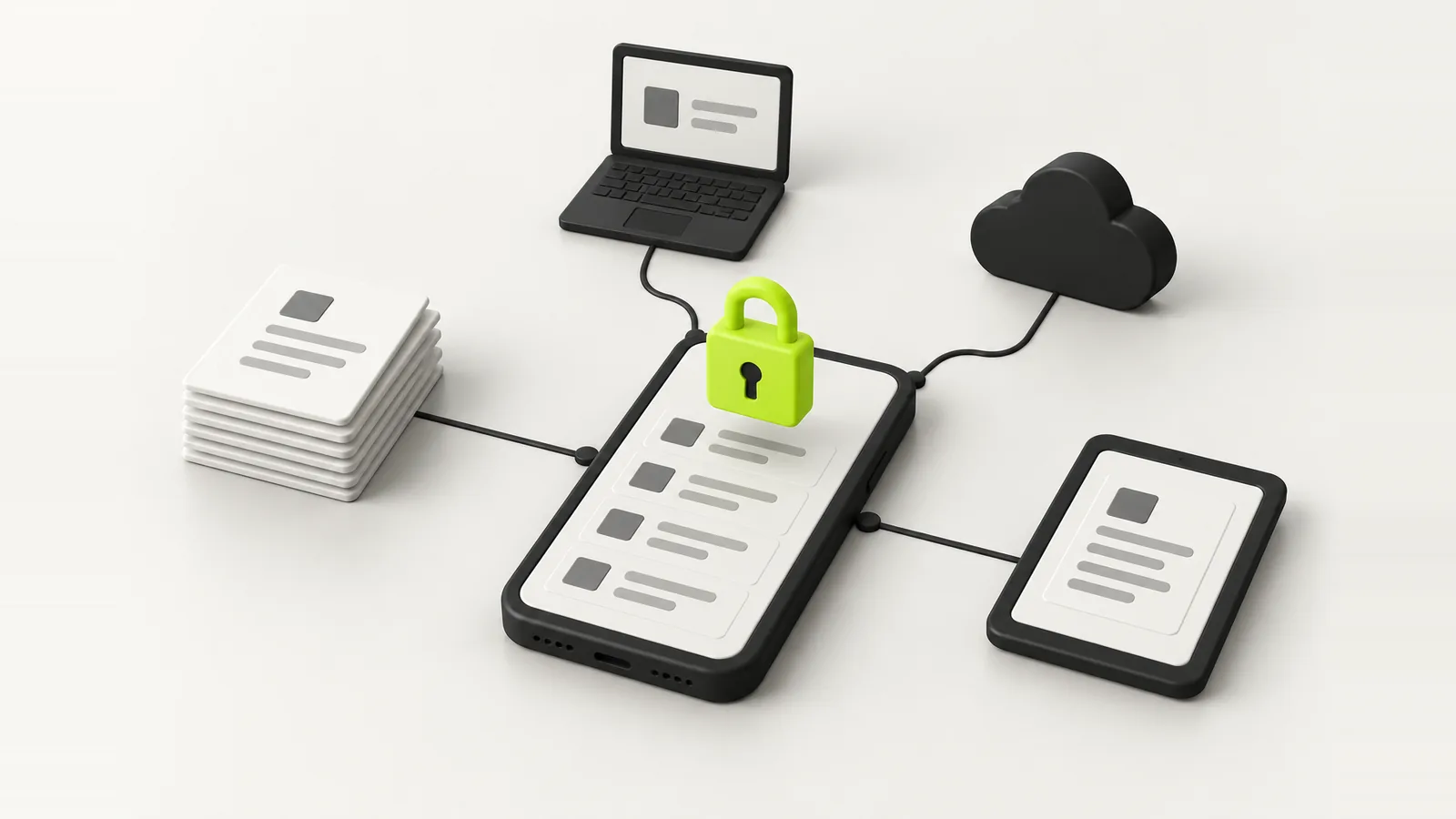
Most people keep their passport in the photo gallery, next to screenshots, backed up to a cloud nobody ever checked. We built DigiSafe because we were doing the same. Here is how it works, and what building it taught us.
Most people keep their passport in the photo gallery. It sits between screenshots and memes, it syncs to a cloud account nobody has checked the settings of in years, and it gets forwarded on WhatsApp every time a landlord, a hotel or a recruiter asks for a copy. We were doing exactly the same. So we built DigiSafe.
This is the story of how it works and why it is built the way it is. It is also a fairly honest look at how we approach any app where the data matters, which is most of the work we do for clients.
The problem we kept running into
Important papers do not live in one place any more. The passport is a photo on your phone. The PAN card or the driving licence is a PDF in an email from three years ago. The rent agreement is in a chat. The warranty is a receipt in a drawer. When someone asks for a copy, you send the whole thing, usually over a channel that keeps it forever.
Then there is the paperwork itself. Every online form wants a different file size. Banks want one set of documents, visa offices another. Moving between two countries doubles all of it. None of this is hard, it is just scattered, and scattered is exactly how documents get lost or leaked.
- Copies of ID sitting in the inboxes of every hotel, landlord and employer you have dealt with.
- Full ID numbers shared where the last four digits would have done.
- Forms rejecting uploads because the file is 400 KB and the limit is 200.
- No idea which documents you need until the day of the application.
The rule we started from: we should not be able to read it
Before any screen was designed, we set one rule. DigiSafe, the company, must never be able to open your documents. Not our database, not our storage, not anyone on the team. If a server is ever breached, the thief should get locked boxes and nothing else.
That one decision shaped everything after it. It decided where encryption happens (on your phone), where the key lives (only on your phone), how sharing works (the key travels in the link, not through us), and how reading a document works (on the device, never uploaded). A lot of apps say they are secure. Designing so that you cannot break the promise even if you wanted to is a different thing.
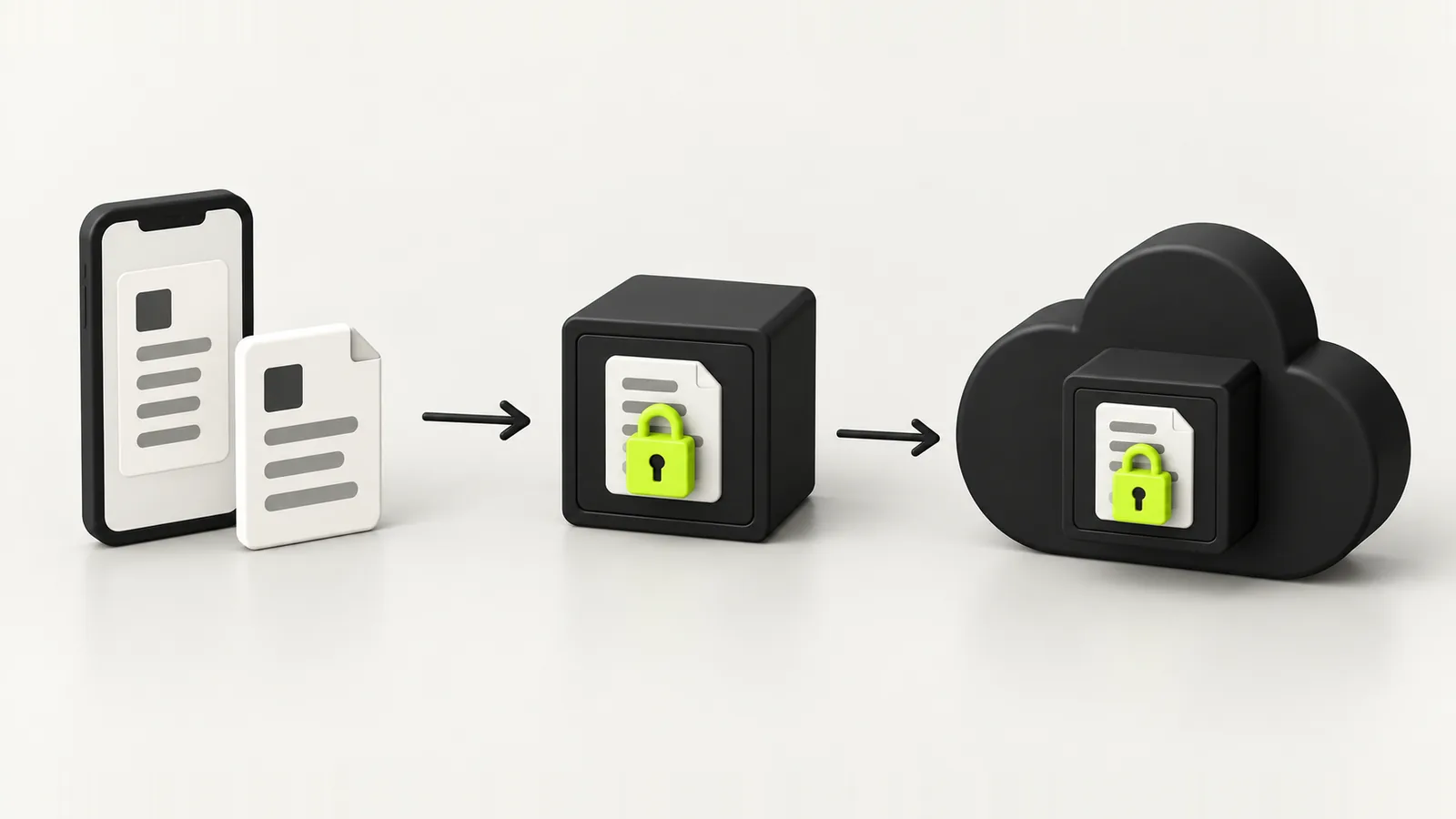
Locked before it leaves your phone
A page is encrypted the moment it is saved. What travels to our storage is a locked box, and the key to it never leaves your device.
How the encryption actually works
DigiSafe does not use home made cryptography. It uses the Web Crypto API that is built into every modern browser, the same primitives banks and messaging apps rely on. Here is the chain, in plain English:
- When you set a PIN, your phone runs it through a deliberately slow function called PBKDF2, 310,000 rounds of it. That turns a short PIN into a long key, and makes guessing expensive.
- Separately, your phone generates one random document key. This is the key that actually encrypts your files, with AES-256-GCM.
- Your PIN key does not encrypt documents directly. It locks a small copy of the document key. Change your PIN and DigiSafe rewrites a few dozen bytes, not every file you own.
- A second copy of the document key is locked with a recovery code, so forgetting your PIN is survivable without us ever holding a key.
- Each page is stored as ciphertext plus a random value called an IV. That is all our storage ever receives.
“We courier a locked box, and the combination travels on the outside of an envelope we never open.”
Kavion Solutions Team
Share links the server cannot open
Sharing is where most secure apps quietly give up, because the other person does not have your key. DigiSafe handles it like this. When you share a document, your phone re-encrypts it with a brand new random key, uploads that copy, and puts the key after the # symbol in the link.
Browsers never send the part of a link after the # to a server. So our server can count how many times the link is opened, stop it after the time you chose, between 2 minutes and 7 days, and check the optional 4 digit code, all without being able to read a single page. The code check runs on the server on purpose: a check that runs in the recipient's browser is a check the recipient can skip.
Reading your document without uploading it
DigiSafe can read the numbers on your passport, PAN, Aadhaar, voter ID and licence and give you a Copy button, so you stop retyping them into forms. Most apps would upload the image to a cloud OCR service to do this. That would break the rule, so the text recognition runs inside the browser, on your phone.
Aadhaar masking works the same way. The app finds the 12 digit number on the page, checks it against the Verhoeff checksum that real Aadhaar numbers pass, so a phone number or a date is never mistaken for one, and covers the first 8 digits and the QR code before the copy leaves your device. Nothing about your number is sent anywhere to do it.
Offline first, not offline as an afterthought
A document vault that fails in a basement office or on a flight is not much of a vault. DigiSafe stores encrypted pages in IndexedDB, the browser's built in database, rather than in local storage, which tops out around 5 MB, roughly three scans. Your storage online is treated as the source of truth and the phone as a cache, which is what lets a newly signed in phone open a document it has never seen, and an offline phone open everything it has.
Offline first also changes which libraries you can use. We dropped a popular image compression library because its worker downloads itself from a CDN at runtime. The app's security policy blocks that, and even with it allowed, it would stop working the moment the phone lost signal. So DigiSafe has its own image pipeline. Small decision, but it is the kind that only shows up if offline is a requirement from day one.
Why a web app instead of the app stores
DigiSafe is a progressive web app, or PWA. You open app.digisafe.kavionsolutions.in, install it, and it behaves like any other app: its own icon, full screen, works offline. We chose this over separate iOS and Android apps for three reasons.
| Progressive web app | Native apps | Cross platform (React Native, Flutter) | |
|---|---|---|---|
| Codebases | One | Two or more | One, plus native pieces |
| Runs on desktop | Yes | Separate build | Usually separate |
| Updates | Instant, no review | Store review each release | Store review each release |
| Install size | Small | Larger | Larger |
| Store discovery | No | Yes | Yes |
| Deep device access | Growing, not everything | Full | Near full |
For a product whose features are mostly cryptography, scanning and files, the browser has everything needed, and shipping a security fix the same afternoon matters more than a store listing. It is not always the right call. An app that needs deep hardware access or relies on store discovery is often better native. We cover that trade off with every client in our app development work.
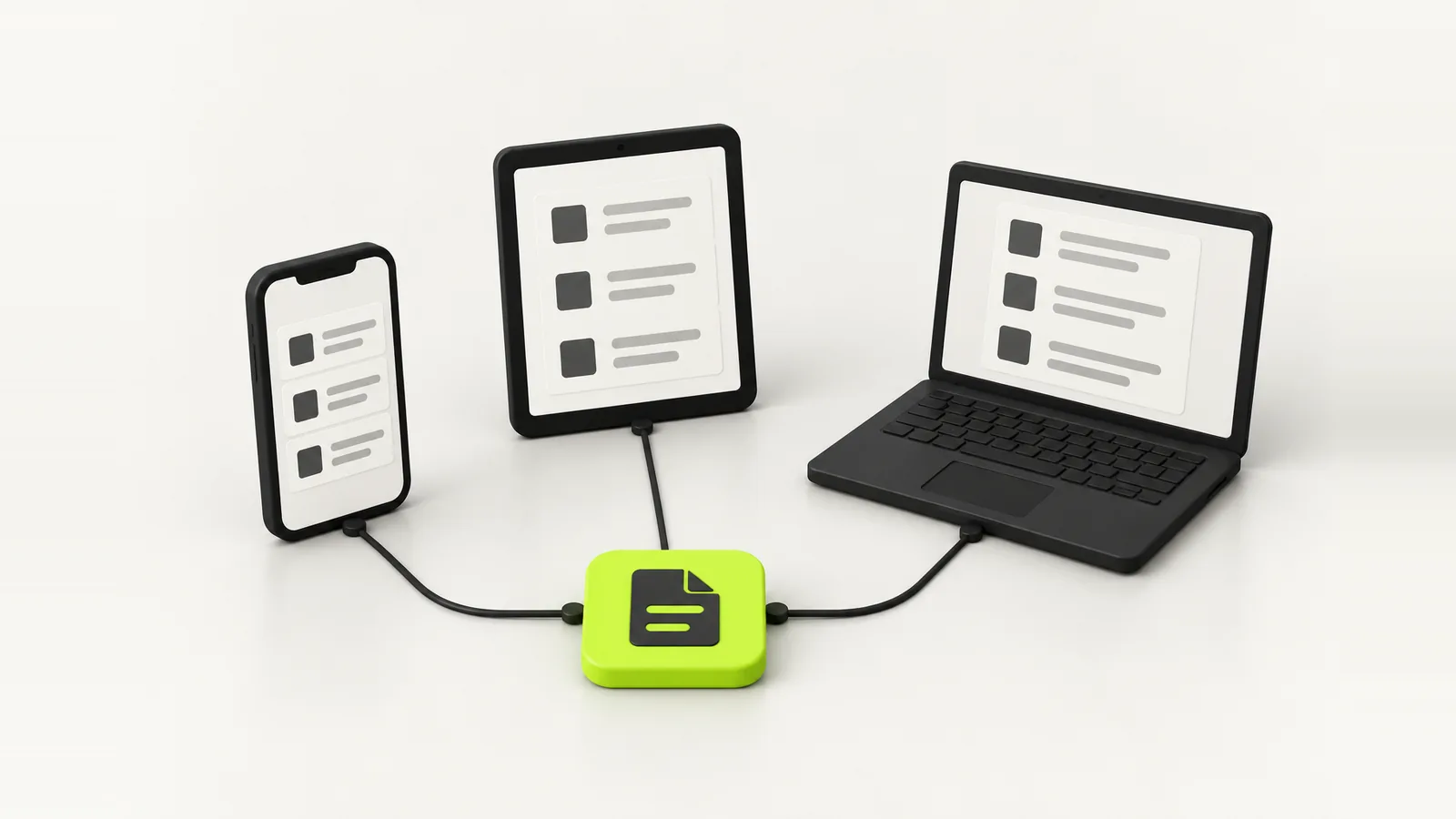
What encryption cannot do for you
Being straight about limits is part of the job. Encryption protects your documents from our servers, from anyone who breaches them, and from anyone who intercepts a link. It cannot protect them from someone holding your unlocked phone who knows your PIN.
- Pick a PIN nobody could guess. Not your birth year, not 1234.
- Turn on fingerprint or face unlock and auto lock, so the vault closes when you walk away.
- The number keys shuffle on the PIN screen, so someone watching your hand learns nothing.
- Keep your recovery code somewhere safe and offline. Lose both it and your PIN and nobody, including us, can open the vault. That is the cost of us never holding a key.
Five countries from the start
DigiSafe supports India, the USA, the UK, Canada and Australia, and you can keep papers from two of them at once, each in its own folders. That came straight from the people we built it for: students abroad, families split across two countries, anyone who has applied for a visa and been asked for a document from home they could not find.
What building it taught us about building for clients
Building our own product was the best reminder of what matters when we build for other people. The lessons carry straight into client work:
- Write the privacy rule before the first screen. It is far cheaper than retrofitting it.
- Offline support is a data model decision, not a feature you add later.
- Test on a cheap phone on a slow network. That is who most of your users are.
- A strict security policy catches risky dependencies early, before they ship.
- Put the checks that matter on the server. Anything in the browser can be skipped.
If you are planning an app that handles anything sensitive, customer records, health data, payments, IDs, that is the kind of work we do across web development, app development and cloud and security. And if you just want your own papers in one safe place, install DigiSafe. It is free.
FAQ
Frequently asked questions
DigiSafe is designed, built and run by Kavion Solutions, a digital studio in Ahmedabad, India that builds websites, apps and AI tools for clients.
Yes. Documents are encrypted on your device with AES-256-GCM before they are saved or backed up, the key is derived on your device and never sent to the server, and shared links carry their key after the # symbol, which browsers never send to a server.
It is a progressive web app built with Next.js and React. Encryption uses the browser's built in Web Crypto API, encrypted pages are stored in IndexedDB for offline use, and text recognition runs inside the browser so documents are never uploaded to be read.
One codebase runs on Android, iPhone and desktop, security fixes ship instantly without store review, and the browser already offers everything the app needs. You install it from app.digisafe.kavionsolutions.in and it behaves like any other app.
Your recovery code unlocks a second copy of your document key, so you can set a new PIN. If you lose both the PIN and the recovery code, nobody can open the vault, including Kavion Solutions, because we never hold a key.
Yes. DigiSafe is free, with no subscription and no adverts.
Written by
Kavion Solutions Team
The senior team behind Kavion Solutions. We build websites, apps, AI tools and cloud setups, and run the SEO and ads that bring in customers, so everything here comes from work we have actually shipped.
Want this done for you?
Start a project