

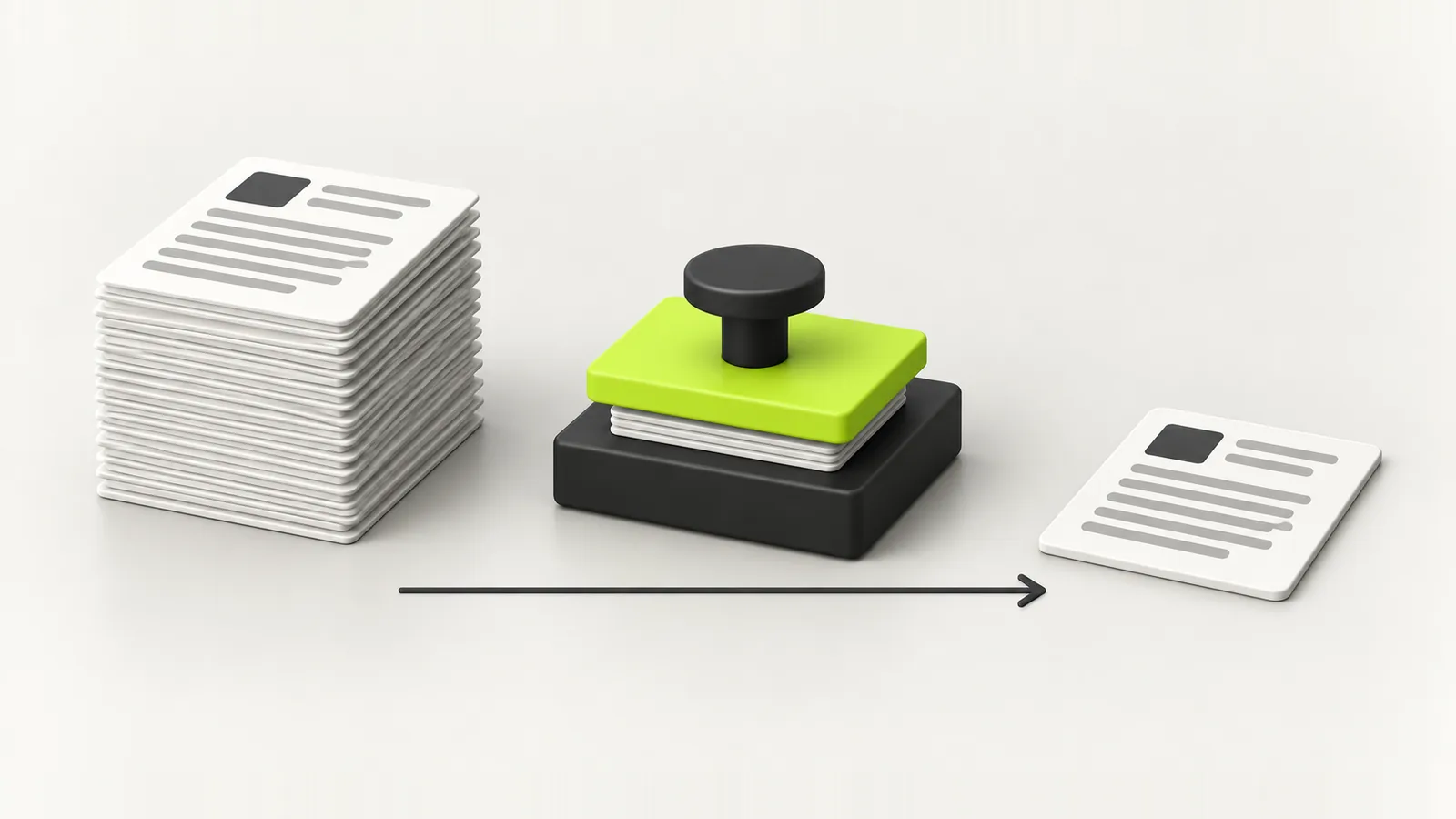
The form says 200 KB maximum and your scan is 3.8 MB. Here is why phone files are so big, what size a readable document really needs, and how to shrink one on iPhone, Android, Mac and Windows without wrecking it.
The form says “maximum 200 KB”. Your scan is 3.8 MB. The upload fails, the page reloads, and everything you typed is gone. It is one of the most common frustrations of online paperwork in every country, and it is almost always fixable in under a minute once you know what is actually making the file big.
Why forms set such small limits
Government portals, university applications, job sites and banks all cap uploads, often at 50 KB, 100 KB, 200 KB or 1 MB. Small files are cheaper to store at scale, faster to upload on weak connections, and quicker for staff to open. The limit is rarely a sign the system is broken. It is a sign it expects a document scanned at a sensible size, not a 12 megapixel photo.
Where file size actually comes from
Four things decide how big a document file is. Change the right one and the size drops dramatically without the text becoming unreadable.
- Pixels. A modern phone camera shoots 12 megapixels or more. A readable A4 page needs roughly 1,240 by 1,750 pixels, about 150 dots per inch. Most phone scans carry several times the detail anyone needs.
- Colour. A colour image stores three channels. A black and white or greyscale scan of a text document can be a fraction of the size with no loss of meaning.
- Compression. JPEG quality around 60 to 75 looks almost identical to 100 for a document, at a much smaller size.
- Pages. A PDF of scanned pages is really a stack of images. Five pages means five images, so page count multiplies everything else.
What size a readable document really needs
Use this as a rough guide. Exact results vary with the document, but it tells you which setting to change to hit a limit.
| Target size | What fits | Settings that usually get you there |
|---|---|---|
| 20 to 50 KB | A photo or a signature | About 400 to 600 pixels on the long side, JPEG quality 60 to 75 |
| 100 KB | One A4 page of text | Greyscale, about 150 dpi, JPEG quality around 70 |
| 200 KB | One or two pages, some colour | 150 dpi, colour only where it matters |
| 500 KB to 1 MB | A multi page PDF | 150 dpi greyscale, one image per page |
| 2 MB and over | Photo heavy or high detail pages | Usually no change needed |
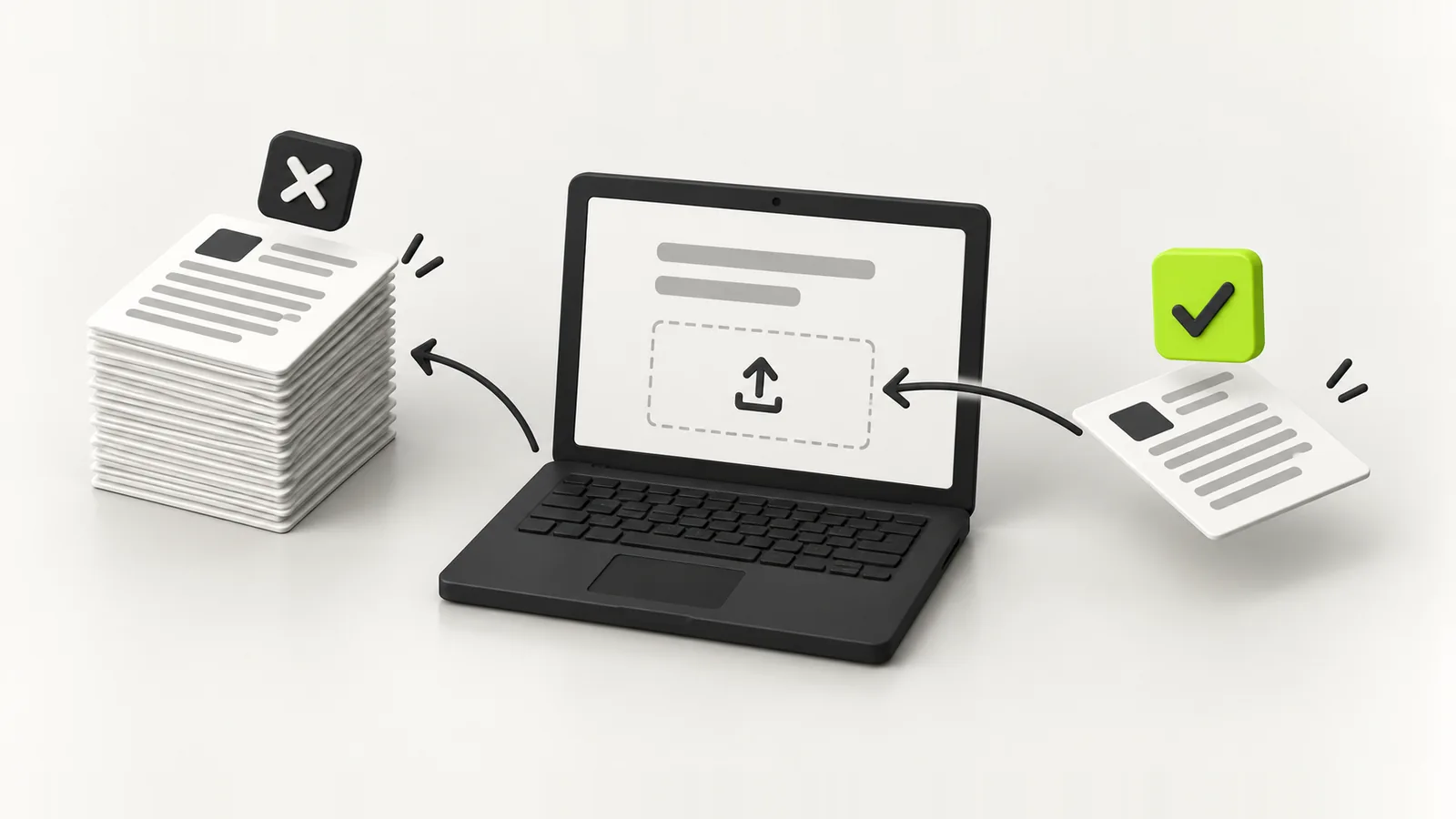
Too big bounces, the right size goes straight in
Most rejections come from a phone photo uploaded as it was taken. Downsizing to what a form expects fixes it without making the document harder to read.
How to reduce file size on an iPhone
- Scan documents with the Notes app or the Files app scanner instead of the camera. The scanner crops, flattens and saves a much leaner PDF.
- To shrink photos, share them to Mail and pick a smaller size when it offers Small, Medium, Large or Actual Size.
- For repeat jobs, the Shortcuts app has a Resize Image action you can save as a one tap shortcut.
How to reduce file size on Android
- Scan with the Google Drive scanner, which lets you choose a greyscale or black and white filter and saves a compact PDF.
- Many gallery apps, including Samsung Gallery, have a Resize option in the edit menu. Choose a smaller resolution and save a copy.
- Screenshots of a document are often smaller than the original photo, which is a quick fix in a hurry, but check the text is still sharp.
How to reduce file size on a Mac
- For images, open the file in Preview, choose Tools then Adjust Size, lower the width, and export as JPEG with the quality slider around the middle.
- For PDFs, choose File then Export in Preview and pick the Reduce File Size Quartz filter. It can be heavy handed, so check the result is still legible.
- If the filter blurs the text, export each page as a JPEG at a lower size instead, then combine them back into a PDF.
How to reduce file size on Windows
- In the Photos app, open the image and use Resize image to pick a smaller size, or use Paint's Resize option.
- For a document you created in Word, choose Save As, pick PDF and select Minimum size (publishing online).
- For a scanned PDF, rescan at 150 dpi in greyscale. Changing the scan settings beats compressing afterwards.
Online compressors: fine for a menu, careful with your passport
Websites that compress PDFs work, and for a restaurant menu or a brochure they are perfectly fine. But using one means uploading the file to someone else's server. For a passport, a bank statement or anything with your ID number on it, that is a copy of your identity on a server you know nothing about. Read the privacy policy, or better, use a tool that shrinks the file on your own device.
Shrinking a document in DigiSafe
This is one of the reasons we built DigiSafe. Pick a document, choose the size the form asks for, anywhere from 50 KB to 2 MB, and the app produces a copy at that size on your phone. Your original stays untouched, nothing is uploaded to shrink it, and the document is already in your vault the next time a form asks for it. We explain how that stays private in how we built DigiSafe.
Mistakes that get uploads rejected
- Wrong format. The form wants JPG and you uploaded PDF, or the other way round.
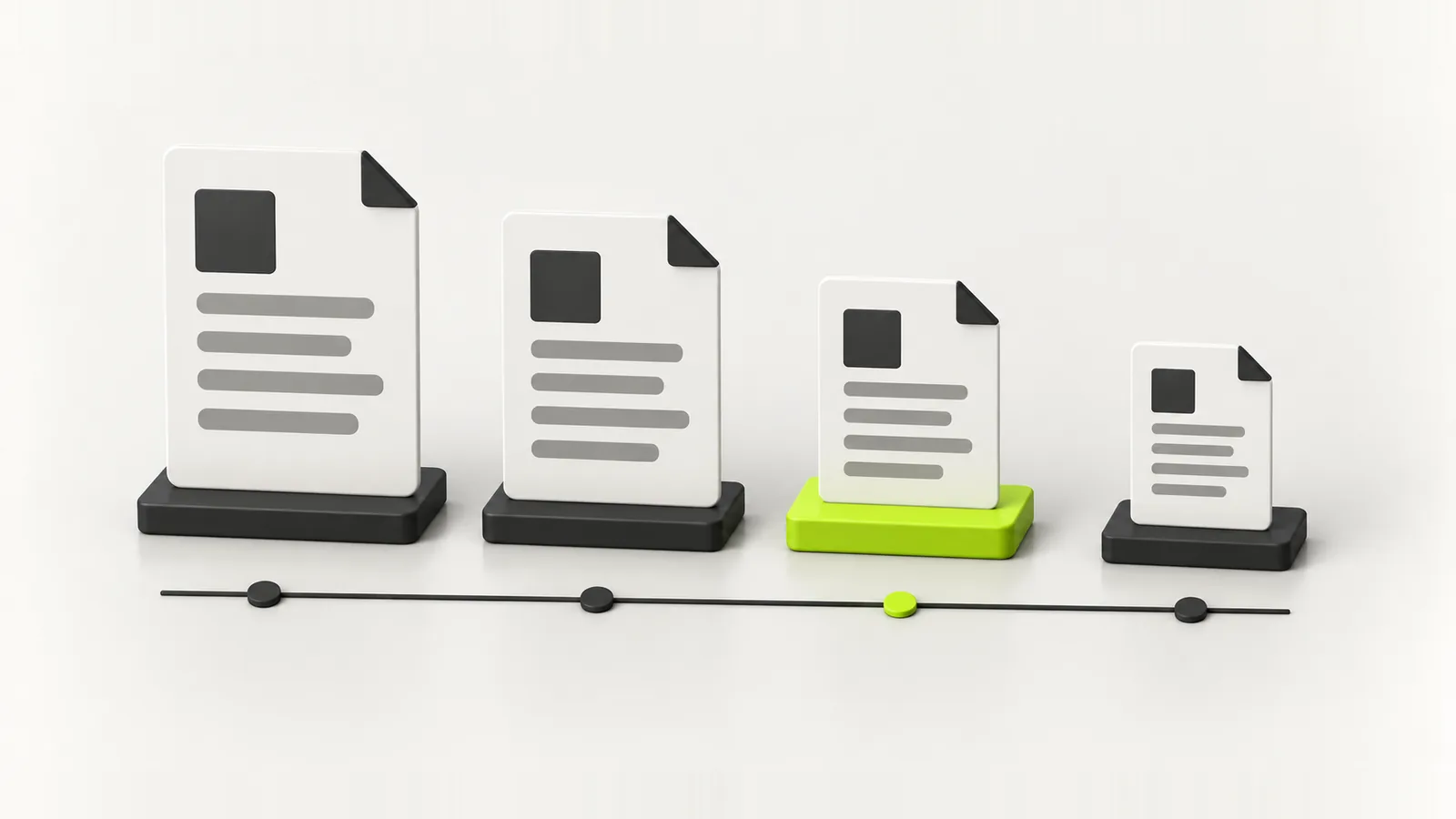
- Too small. Some forms set a minimum size as well as a maximum, often for photos.
- Unreadable. Compressed so far that the numbers blur. Staff will reject it even if the system accepts it.
- Sideways. Rotate the page before you shrink it, not after.
- Photo rules ignored. Passport and visa photos usually have pixel dimensions and background rules on top of the file size, so read the photo instructions separately.
- Odd file names. Some older portals reject names with spaces or symbols. Something like passport_front.jpg is safest.
Keep a shrunk copy of your most requested documents ready, and the next form takes two minutes instead of twenty.
FAQ
Frequently asked questions
If it is a scan, rescan or export each page at about 150 dpi in greyscale with JPEG quality around 70, then combine the pages into a PDF. One page of text usually fits under 100 KB at those settings.
Resize it to about 400 to 600 pixels on the long side and save it as a JPEG with quality between 60 and 75. On a phone, a resize option in your gallery or a Resize Image shortcut does this in one step.
It can. Lowering the resolution or the JPEG quality too far blurs text. For documents, reducing to about 150 dpi and using greyscale keeps text sharp while cutting the size dramatically.
Yes. Scan with the phone's built in document scanner rather than the camera, which produces a smaller PDF, or use an app that resizes documents on the device, such as DigiSafe.
For ordinary documents, usually. For anything with your ID number, bank details or signature, you are uploading a copy to someone else's server, so prefer a tool that compresses on your own device.
Scanned pages are images, so the resolution and colour of each page drive the size. Rescan at 150 dpi in greyscale, or export the pages as smaller images and rebuild the PDF.
Written by
Kavion Solutions Team
The senior team behind Kavion Solutions. We build websites, apps, AI tools and cloud setups, and run the SEO and ads that bring in customers, so everything here comes from work we have actually shipped.
Want this done for you?
Start a project