

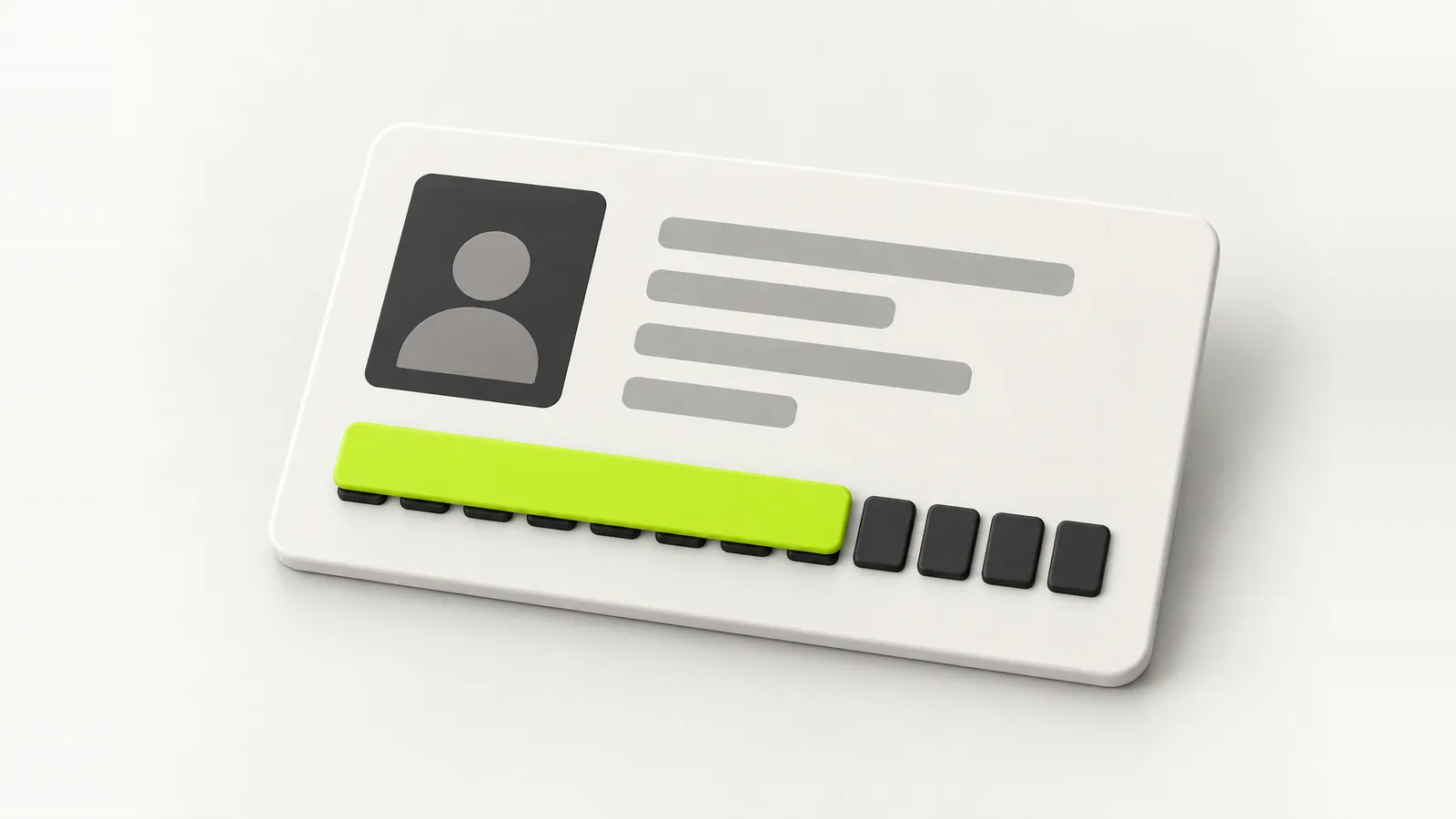
Every copy of your ID you send is a copy you no longer control. Here is how to share less: masked Aadhaar in India, proper redaction everywhere else, a watermark on every copy, and links that stop working.
Every copy of your ID you send is a copy you no longer control. It sits in a hotel's email, a landlord's WhatsApp, a recruiter's shared drive, for years. You cannot stop people asking. You can make sure what they keep is worth very little to anyone else.
This guide covers the three habits that do most of the work, wherever you live: share a masked or redacted copy, watermark it with its purpose, and send it in a way that expires. We cover India's masked Aadhaar in detail, then the equivalent steps for the US, UK, Canada and Australia.
Why a full copy of your ID is risky
A clear copy of an ID, with its full number, your photo, your date of birth and your address, is most of what someone needs to impersonate you. It gets used to open accounts, take out loans, pass weak identity checks and run SIM swap scams. The copy does not need to be stolen from you. It only needs to leak from one of the dozens of places you have already sent it.
So the goal is simple. Give each person the least they need, mark it so it cannot be reused, and keep control of how long they have it.
What is a masked Aadhaar?
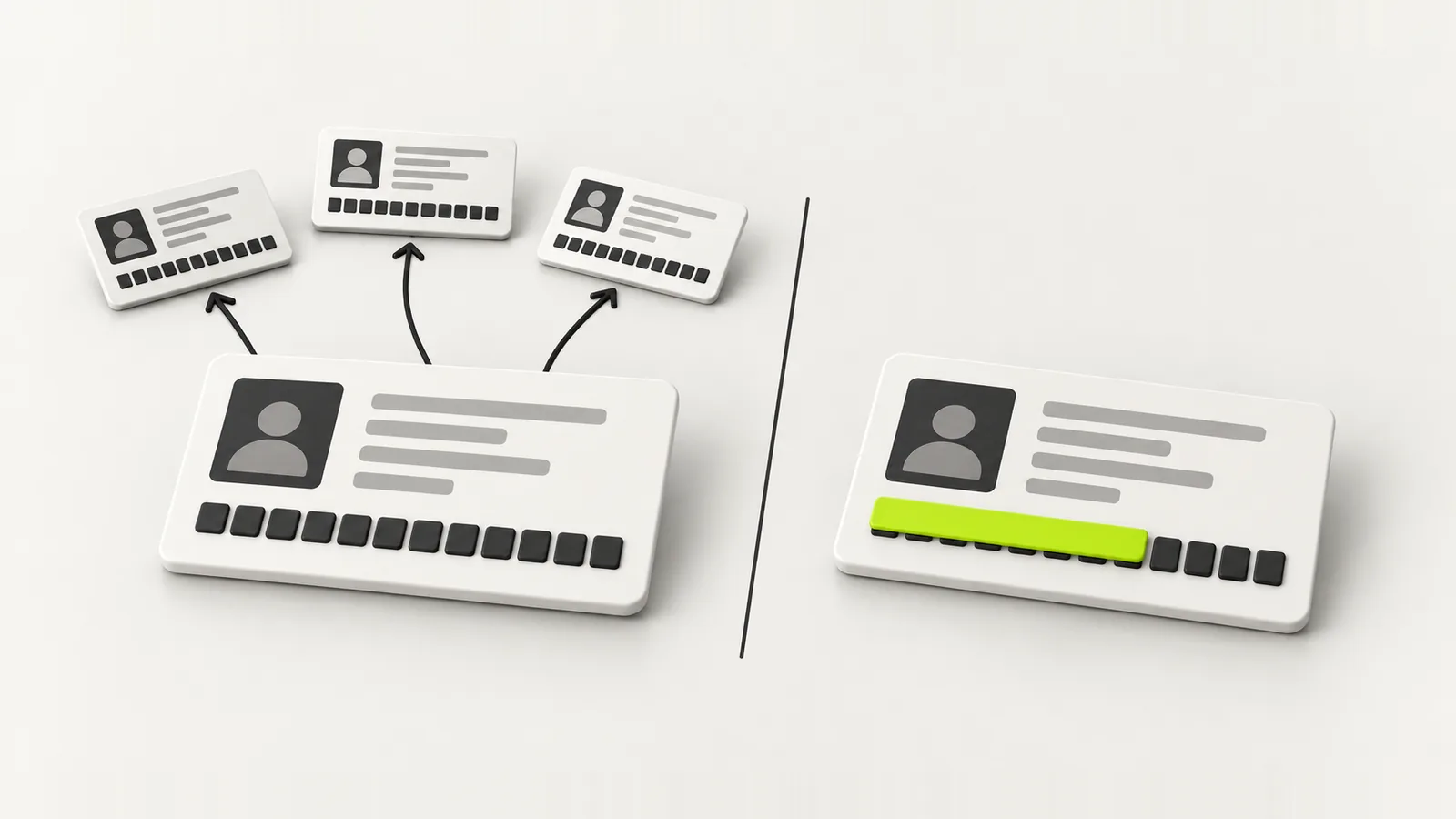
A masked Aadhaar is a version of your e-Aadhaar in which the first 8 digits of your 12 digit Aadhaar number are replaced with X's, so it reads like XXXX XXXX 1234. Your name, photo and the rest of the card stay as they are. UIDAI, which issues Aadhaar, recommends using a masked copy wherever your full number is not actually needed.
It is issued by UIDAI itself, digitally signed like any e-Aadhaar, so it is a genuine copy of your Aadhaar rather than something you edited. That is what makes it acceptable in most everyday situations where people just need to see who you are.
The copy that cannot travel
A full copy can be reused by whoever ends up with it. A masked copy proves who you are for the check in front of you, and is close to useless for anything else.
How to download a masked Aadhaar
You need your Aadhaar number (or enrolment ID) and access to the mobile number registered with Aadhaar, because the login uses a one time password.
- Go to the official myAadhaar portal at myaadhaar.uidai.gov.in and log in with your Aadhaar number and the OTP sent to your registered mobile.
- Choose Download Aadhaar.
- Tick the option that asks whether you want a masked Aadhaar.
- Download the PDF.
- Open it with the password: the first four letters of your name in capital letters, followed by your year of birth. For example, RAHU1990.
If your mobile number is not linked to Aadhaar, you will need to update it at an Aadhaar enrolment centre first. Only use the official UIDAI site or the official mAadhaar app. Plenty of look alike sites exist.
When you still need the full Aadhaar
A masked Aadhaar is not accepted everywhere. Services that are legally required to record your full number, such as some bank and financial KYC, or certain government schemes, can ask for the unmasked version. For those, share the full copy directly with the institution, not through a middleman, and watermark it. For a hotel check in, a building visitor register, a gym, a co-working space or a travel booking, the masked copy is almost always enough.
Redacting ID in the US, UK, Canada and Australia
Other countries do not issue an official masked version, so you redact the copy yourself. The principle is the same everywhere: the number that unlocks your finances and taxes is the one to protect hardest, and most people who ask for it do not actually need it.
| Country | Number to protect most | Who genuinely needs it | What to show everyone else |
|---|---|---|---|
| India | Aadhaar, PAN | Banks and regulated KYC, tax, some government schemes | Masked Aadhaar |
| USA | Social Security number | Employers, banks, tax filings, some government agencies | Last four digits only, where possible |
| UK | National Insurance number, passport number | Employers, HMRC, right to work and landlord checks | Photo page with the number covered, when a check does not require it |
| Canada | Social Insurance Number | Employers, and banks or government for tax reporting | Do not share it; use other ID |
| Australia | Tax File Number | Employers, banks and super funds, the ATO and Centrelink | Do not share it; use other ID |
Some checks need the full document. A UK right to work check or an Australian employer onboarding will ask for a complete, unredacted copy, and that is legitimate. The point is to decide deliberately, not to hand over everything by default.
How to redact properly, not just draw a box
A surprising number of leaked documents were redacted, just badly. Drawing a black rectangle over a PDF in an annotation tool often leaves the text underneath, where anyone can copy it or remove the box. Do it like this instead:
- Work on a copy, never the original file.
- If it is an image, cover the digits with a solid shape and save it as a new image, so the covered pixels are actually gone.
- If it is a PDF, use a real redaction tool that removes the content, then flatten or print the PDF to a new file.
- Cover the machine readable zone (the two lines of characters at the bottom of a passport photo page) and any barcode or QR code too. They often contain the same number you just hid.
- Check your work. Try selecting and copying the hidden area. If text comes out, it is not redacted.
Watermark every copy with its purpose
A watermark does not stop someone reading your ID. It stops the copy being useful anywhere else. Write, across the document, what it is for and when: “For Hotel Check In Only, 24 Sep 2026”. A copy stamped like that is very hard to reuse for a loan application or a SIM card, and if it ever turns up somewhere it should not, you know exactly who leaked it.
- Put the watermark across the middle of the document, not in a corner that can be cropped out.
- Keep it readable but light enough that the ID is still clear.
- Include the date. A dated copy tells the next person it is old.
Send it in a way you can take back
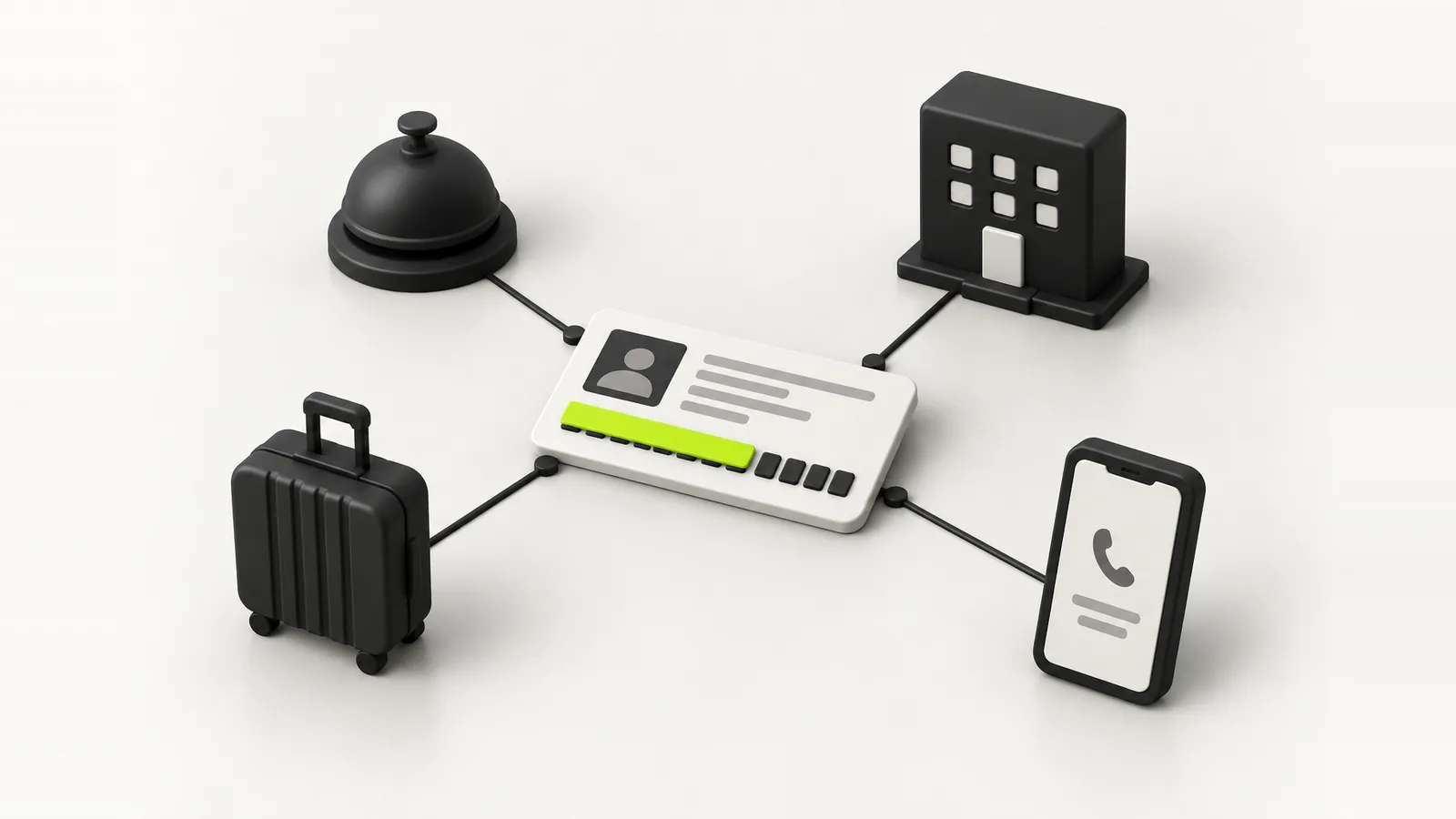
An email attachment or a chat message is permanent. It lives on their phone, in their backups, in their forwarding. A link that expires is different: once it stops working, the copy is gone from anywhere it was not deliberately saved.
This is the whole reason we built these features into DigiSafe. It masks the first 8 digits of an Aadhaar number (and its QR code) on your phone before you share, stamps a watermark with the purpose and date, and sends the document as a link or QR code that stops after the time you choose, from 2 minutes to 7 days. You can limit it to opening once, protect it with a 4 digit code, and stop it early if plans change.
A quick checklist before you send any ID
- Does this person need my full number, or just to see who I am?
- Can I send a masked or redacted copy instead?
- Is it watermarked with the purpose and the date?
- Am I sending it as something that expires, rather than a permanent attachment?
- Is this really who I think it is? KYC and delivery scams ask for ID copies all the time.
Five seconds of checking beats years of wondering where your passport copy ended up.
FAQ
Frequently asked questions
A masked Aadhaar is an official e-Aadhaar downloaded from UIDAI in which the first 8 digits of the 12 digit Aadhaar number are hidden, leaving only the last 4 visible. UIDAI recommends using it wherever the full number is not needed.
Log in at myaadhaar.uidai.gov.in with your Aadhaar number and the OTP sent to your registered mobile, choose Download Aadhaar, tick the masked Aadhaar option and download the PDF.
The first four letters of your name as printed on Aadhaar, in capital letters, followed by your year of birth in four digits. For example, RAHU1990.
Yes, it is a digitally signed e-Aadhaar issued by UIDAI, and it works for most everyday identity checks. Organisations legally required to record your full Aadhaar number, such as some bank KYC, can ask for the unmasked version.
Avoid it where you can. Email attachments are permanent and get forwarded and backed up. If you must send it, redact what is not needed, watermark it with its purpose and date, and prefer a link that expires.
Cover the number with a solid shape and save a new image, or use a real PDF redaction tool and flatten the file. Cover barcodes, QR codes and the passport machine readable zone too, then test by trying to copy the hidden text.
Messages are encrypted in transit, but the copy stays on the recipient's phone, in their backups and wherever they forward it, permanently. A masked, watermarked copy sent as an expiring link is much safer.
Written by
Kavion Solutions Team
The senior team behind Kavion Solutions. We build websites, apps, AI tools and cloud setups, and run the SEO and ads that bring in customers, so everything here comes from work we have actually shipped.
Want this done for you?
Start a project